FPV Quadcopter Bluetooth: What It Does & Lets You Control
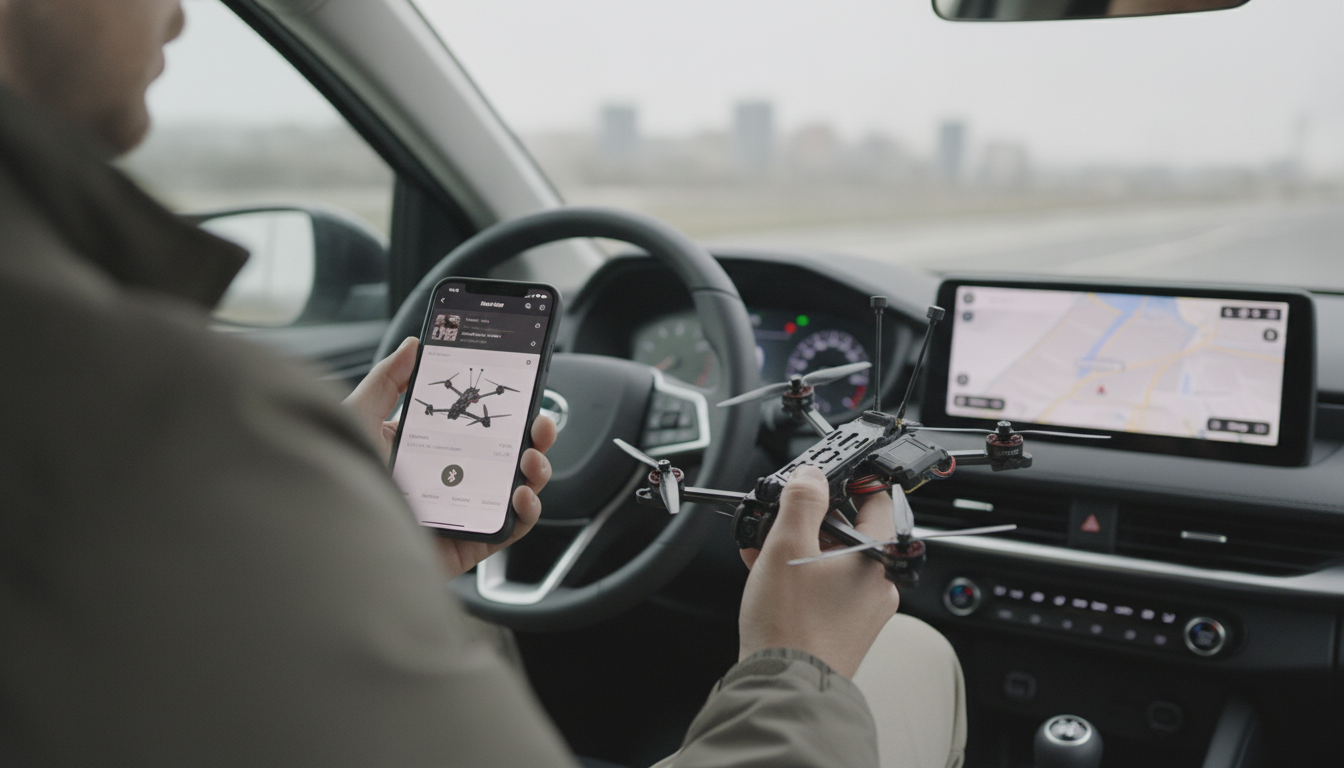
What does Bluetooth do on an FPV quadcopter, and what can you control with it?
On an FPV quadcopter, Bluetooth is a short-range wireless link that lets your phone (or another Bluetooth device) talk to specific onboard electronics—most commonly the flight controller, an add-on Bluetooth module, or an ESC/receiver accessory that exposes settings through an app. It’s primarily used on the ground to make setup and tuning faster when you don’t want to plug in a USB cable or pull out a laptop.
What Bluetooth is (and isn’t) used for
Bluetooth is not the radio link that flies the quad. Your control link is still handled by your RC system (like ELRS, Crossfire, or similar), and your video feed is handled by your FPV system. Bluetooth typically supports configuration, monitoring, and certain device-level adjustments—usually before takeoff and sometimes between battery swaps.
What you can control with Bluetooth
What’s available depends on your hardware and the app you’re using, but Bluetooth commonly allows you to:
- Change Betaflight-style settings such as rates/Expo, PID tuning, filters, arming behavior, and OSD elements (when supported by your Bluetooth interface).
- Manage profiles by switching rate profiles or PID profiles without connecting via USB.
- Adjust VTX settings like band/channel and output power (only if your FPV system supports control through the flight controller or a compatible interface).
- Review basic telemetry/status including battery voltage, link info, or sensor states, depending on the Bluetooth integration.
- Perform quick field troubleshooting (e.g., confirming modes, checking arming flags, verifying receiver input) when you need a fast sanity check.
Limits to expect
Bluetooth range is usually limited to a few feet to a few dozen feet in typical outdoor conditions, and it can be unreliable around RF noise or when the quad is powered down. For safety, avoid making major changes while props are on and treat Bluetooth as a setup tool—not a primary control system.
For a deeper walkthrough on pairing, common setup pitfalls, and practical range tips, see the full guide: https://supremechoiceden.shop/guide-long-range-fpv-quadcopter-bluetooth-setup-range-tips/.
FAQ
Can Bluetooth interfere with my FPV video or RC link?
It typically doesn’t, because it operates at low power and is mainly used briefly on the ground. However, any crowded 2.4 GHz environment can get noisy, so if you notice odd behavior, disconnect Bluetooth and retest with a clean setup.















Leave a comment