Work Smarter: No-Stress Focus System to Get More Done
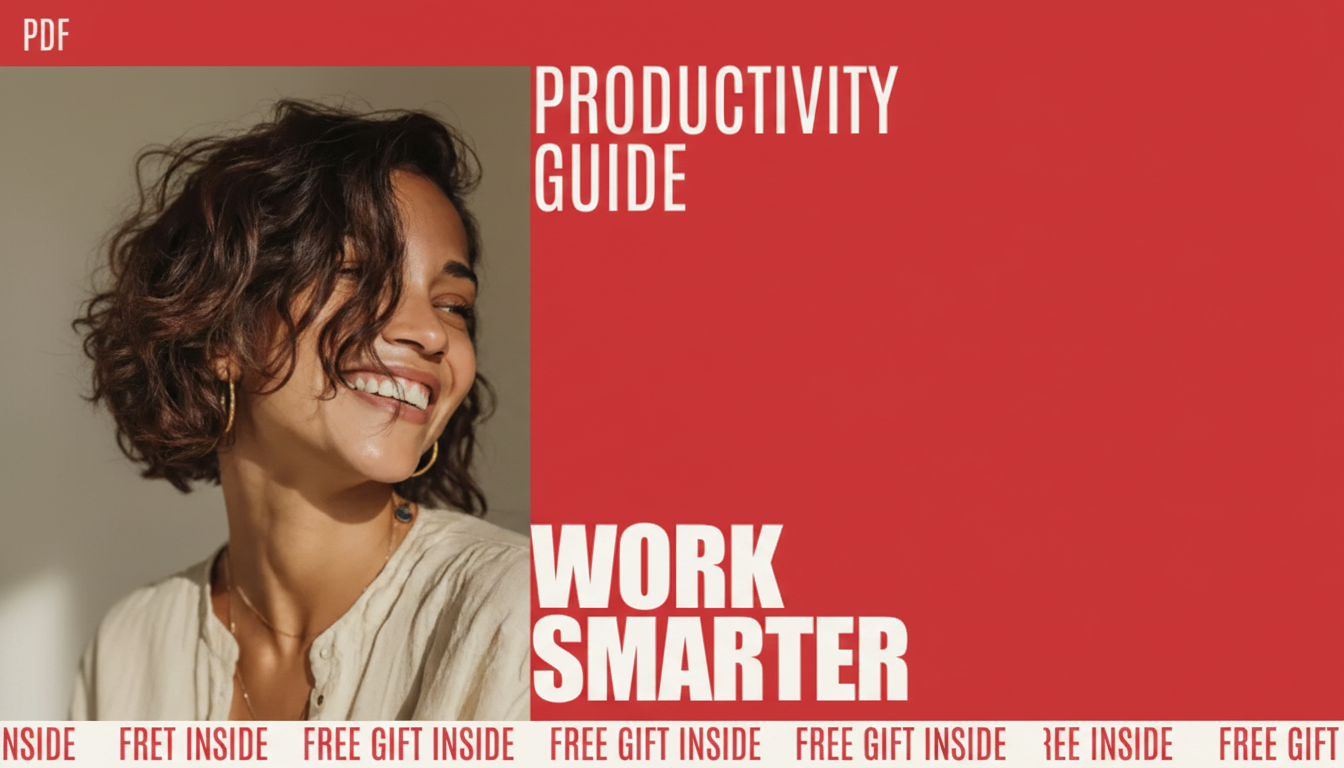
Work Smarter: A No-Stress Way to Get More Done With Better Focus
Busy days don’t always equal productive days. A calmer, more effective workflow comes from choosing the right priorities, protecting attention, and using simple systems that reduce friction. The goal isn’t to squeeze more hours out of your day—it’s to reduce rework, decision fatigue, and constant context switching so your best work happens more consistently.
What “working smarter” looks like in real life
Working smarter is less about hacks and more about removing the hidden costs that drain time and focus.
- Progress over pressure: finishing fewer tasks to a higher standard often beats clearing a long checklist.
- Clarity first: define what “done” means before you begin to prevent scope creep and extra revisions.
- One thing at a time: reducing task switching protects momentum and accuracy.
- Energy-aware planning: schedule demanding work when attention is naturally strongest.
- Fewer decisions: templates, checklists, and routines remove daily guesswork.
When stress runs high, productivity drops. The American Psychological Association outlines how stress affects the body and mental performance, reinforcing why calmer systems often outperform “push harder” approaches (APA: Stress effects on the body).
The 10-minute setup that saves hours later
A short daily setup creates a clear target, reduces distractions, and lowers the friction of starting. Done consistently, it prevents the “busy but scattered” feeling.
10-Minute Daily Setup Checklist
| Minute | Action | Purpose |
|---|---|---|
| 0–2 | Choose 1–3 outcomes | Create a clear target for the day |
| 2–4 | List tasks and delete/defers | Reduce overload and distractions |
| 4–6 | Define first action + “done” criteria | Prevent procrastination and rework |
| 6–8 | Schedule two focus blocks | Protect deep work time |
| 8–10 | Reset workspace and notifications | Lower friction and interruptions |
One small upgrade: define the first physical action for your top task (for example, “open the doc and draft a bullet outline”). It removes ambiguity, which is often the real cause of procrastination.
Prioritization that reduces stress instead of adding it
Prioritization shouldn’t feel like an endless debate. A light filter makes decisions fast and repeatable.
- Use impact, urgency, and effort: pick the smallest high-impact move that meaningfully changes the day.
- Set a daily must-do limit: often 1–3 items. Treat everything else as optional, not “failed.”
- Batch admin tasks: group small chores into one window so they stop puncturing focus all day.
- Try a two-touch rule for messages: handle it now if quick, or schedule it—avoid rereading the same thread repeatedly.
If your priorities feel impossible, it’s usually a volume issue, not a motivation issue. Reducing commitments is a productivity strategy.
Focus tactics that work even on chaotic days
Even with meetings, pings, and shifting demands, attention can be protected in small, practical ways.
- Short sprints: work 25–50 minutes, then take 5–10 minutes off to reset.
- Distraction gatekeeping: keep one capture note for random thoughts; review it later instead of acting immediately.
- Start with a warm-up action: two minutes that makes starting effortless (rename the file, open references, draft a header).
- Use environment cues: headphones, full-screen mode, and a clean desktop can signal “focus time.”
- Protect the first 30 minutes: avoid inbox and chat at the start of a focus block to prevent early derailment.
For deeper insights on productivity and attention at work, Harvard Business Review regularly covers how focus is impacted by workplace norms and interruptions (Harvard Business Review: Productivity).
A practical system for managing tasks without constant overwhelm
A reliable task system isn’t about fancy apps. It’s about reducing mental load and making next steps obvious.
- Single trusted list: stop scattering tasks across sticky notes, chats, multiple apps, and memory.
- Weekly review: clear completed items, confirm deadlines, and choose top priorities for the week.
- Project breakdown: turn vague goals into next actions you can complete in one sitting.
- Use “waiting for” and “blocked” tags: stalled tasks shouldn’t steal attention.
- Keep a “later” list: capture ideas without committing time today.
This approach also makes it easier to stop work at a reasonable hour—because you trust nothing important will be lost overnight.
Time management that protects deep work and prevents burnout
Better time management is often about protecting recovery and consistency, not squeezing every minute.
- Time-block important work first: let everything else fit around it.
- Add buffers between meetings: capture notes, reset, and prevent schedule spillover.
- Use a shutdown ritual: review progress, choose tomorrow’s outcomes, and close open loops.
- Track only two things for a week: focus time and interruptions—simple data reveals patterns fast.
Sleep also affects focus, mood, and decision-making, which directly impacts productivity. The National Library of Medicine provides an overview of sleep’s role in health that supports prioritizing recovery as part of working smarter (NHLBI: Sleep and health).
When a structured guide helps: a ready-to-follow approach
Recommended picks
- Work Smarter: The No-Stress Guide to Getting More Done | Practical Guide on How to Become Efficient at Work, Productivity & Focus
- AI Tools to Organize Your Life Guide – Ultimate Daily Planner Companion, Digital Download for Productivity, Time Management, and ai tools for planning daily tasks
Small changes to start today
FAQ
How can productivity improve without working longer hours?
Productivity improves when you focus on fewer priorities, reduce task switching, and protect deep work blocks. Checklists and templates also cut rework, which often saves more time than working faster.
What is the fastest way to become more efficient at work?
Use a daily 10-minute setup: choose 1–3 outcomes, define the first physical action for the top task, and schedule two focus blocks before opening email or chat.
How can focus be maintained when messages and meetings interrupt the day?
Work in short sprints, silence non-urgent notifications during focus blocks, and batch communication into a set window. Keep a capture note for distractions so you can return to the task without losing ideas.
















Leave a comment