Portable Projector Autofocus: How It Works & Recalibrate
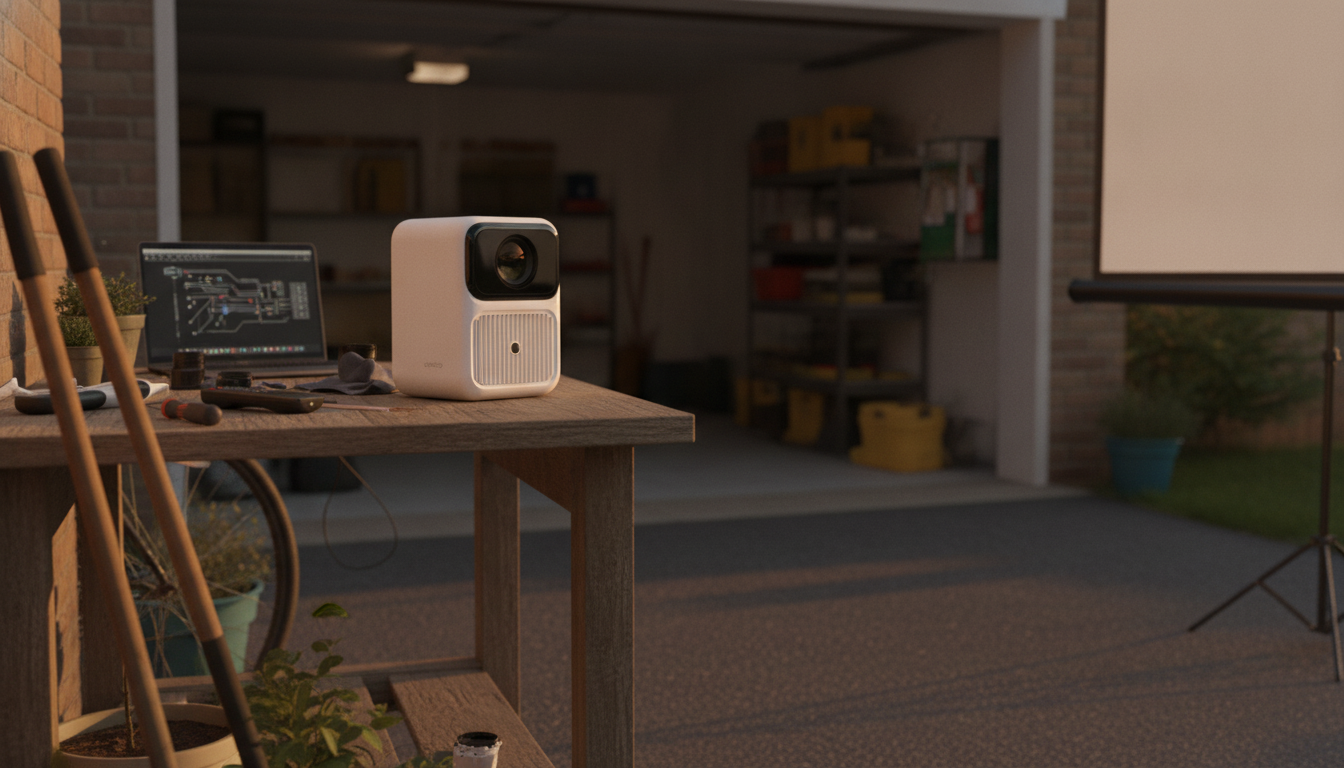
How does auto focus work on a portable projector and when does it need recalibration?
How auto focus works on a portable projector
Auto focus on a portable projector uses a built-in sensor and a small motor to adjust the lens until the projected image looks sharp. Many mini projectors continuously analyze contrast and edge clarity on the screen (or wall), then move the focusing mechanism in tiny steps until the image reaches a “best sharpness” point. On newer models, the process can run automatically when you power on, when the projector detects movement, or when you change the throw distance.
Because portable projectors are designed to be moved often, autofocus is typically optimized for quick corrections rather than perfect calibration for a single permanent setup. That’s why the image may “hunt” briefly—soft to sharp—especially if the surface has low texture, the room is very bright, or the screen has patterns that confuse edge detection.
When auto focus needs recalibration (or a manual refresh)
Most of the time, autofocus doesn’t require formal recalibration. It simply needs a re-run after conditions change. Trigger a new autofocus cycle (or power-cycle the projector) when you move the projector forward/back, tilt it, switch from wall to screen, or change projection size significantly.
Recalibration becomes relevant when autofocus repeatedly stops short of a crisp image. Common causes include a bumped lens assembly during travel, dust or fingerprints on the lens, or a firmware setting that’s out of sync after updates. If the projector offers an “Auto Focus Calibration” or “Focus Reset” option, use it if autofocus is consistently inaccurate even after cleaning the lens and ensuring the projector is stable.
Signs autofocus is struggling
Look for soft corners while the center is sharp, frequent refocusing pulses during playback, or sharpness that changes as the unit warms up. Also check that keystone correction isn’t extreme—heavy keystone can make parts of the image look less sharp even when focus is correct.
For a step-by-step walkthrough of mini projector focus behavior and related setup tips, see the full guide here: https://supremechoiceden.shop/guide-mini-projector-auto-focus-dual-wifi-6-setup-guide/.
FAQ
Why is my projector sharp in the center but blurry on the edges?
This is often caused by the projector not being square to the screen, an uneven projection surface, or aggressive keystone correction. Try leveling the projector, reducing keystone, and rerunning autofocus after the unit is stable.














Leave a comment