Projector Auto Focus Explained: Sensors, Steps, Fixes
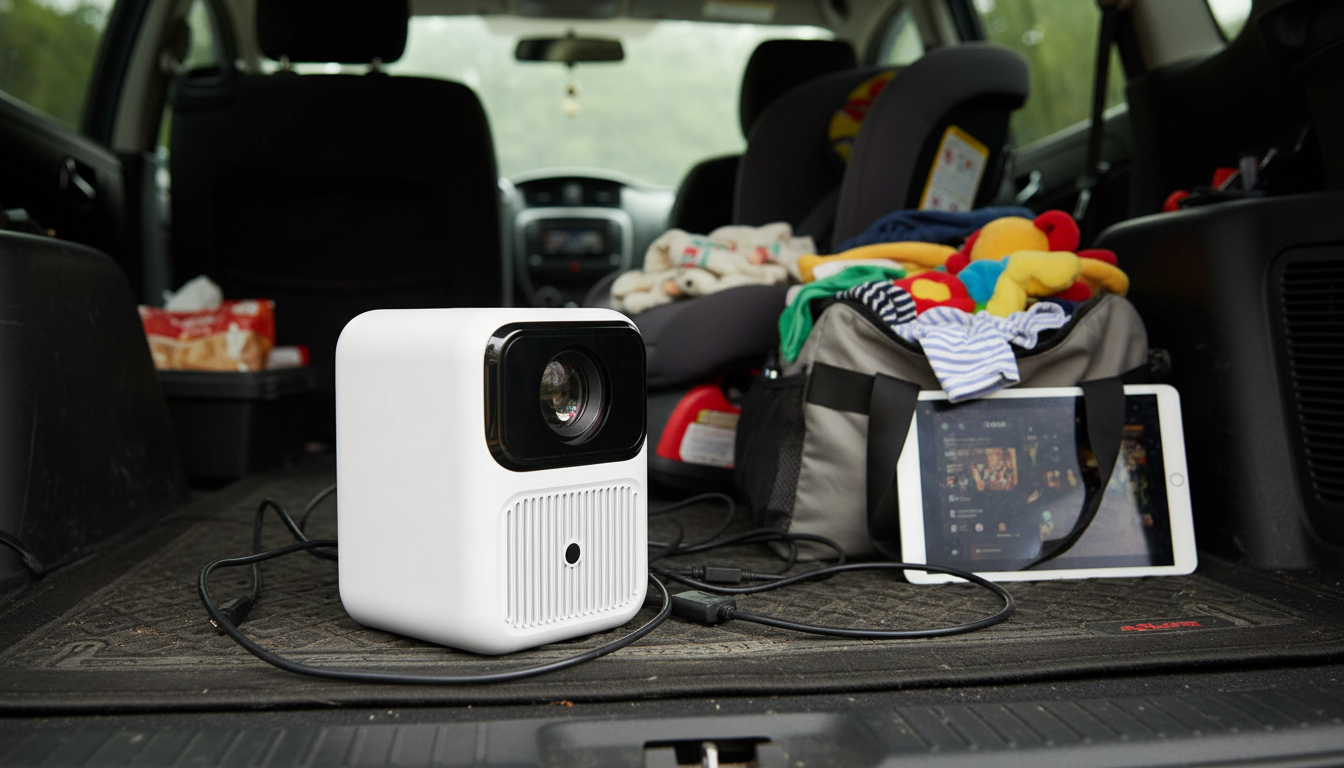
How does projector auto focus work?
Projector auto focus is a built-in system that adjusts the lens so the projected image looks sharp without manual tweaking. Instead of turning a focus ring yourself, the projector measures sharpness, moves an internal lens element (or lens group) with a tiny motor, and stops when the image reaches the clearest point it can detect.
What the projector “looks at” to find sharp focus
Most auto focus projectors rely on one (or a mix) of these methods:
1) Contrast-based focusing: The projector analyzes the image and hunts for the setting where edges and fine details have the highest contrast (crispest transitions). This is common because it can work with the projected picture itself.
2) Time-of-Flight (ToF) or laser distance sensing: A sensor measures how far the projector is from the wall/screen, then the projector sets focus based on that distance. This can be faster and more consistent, especially in low-detail scenes.
3) Camera-assisted focus: Some models use a small camera to read a focus pattern or detect edge sharpness across the image, helping the projector correct focus more accurately.
How the focus adjustment actually happens
Inside the projector, a motor shifts the lens position in tiny steps. The system checks sharpness after each step, then iterates until it finds the best result. Many projectors re-run auto focus when you move the unit, when the screen distance changes, or when the device detects vibration.
Why auto focus can look “off” sometimes
Auto focus may struggle if the surface is glossy, uneven, very dark, or patterned. Bright ambient light can also reduce the sensor’s ability to judge sharpness. If focus seems inconsistent, try a flatter, matte surface, dim the room slightly, and make sure the projector is stable and aimed squarely.
For a practical walkthrough that pairs focus behavior with setup tips (including Wi‑Fi and positioning), visit this mini projector auto focus setup guide.
FAQ
Why does my projector keep refocusing?
Many projectors trigger auto focus when they detect movement, vibrations, or a change in distance. Stabilizing the projector and turning off continuous auto focus (if available) can reduce frequent refocusing.














Leave a comment