Best Mini Projector Brands: Nebula, XGIMI, Epson, BenQ
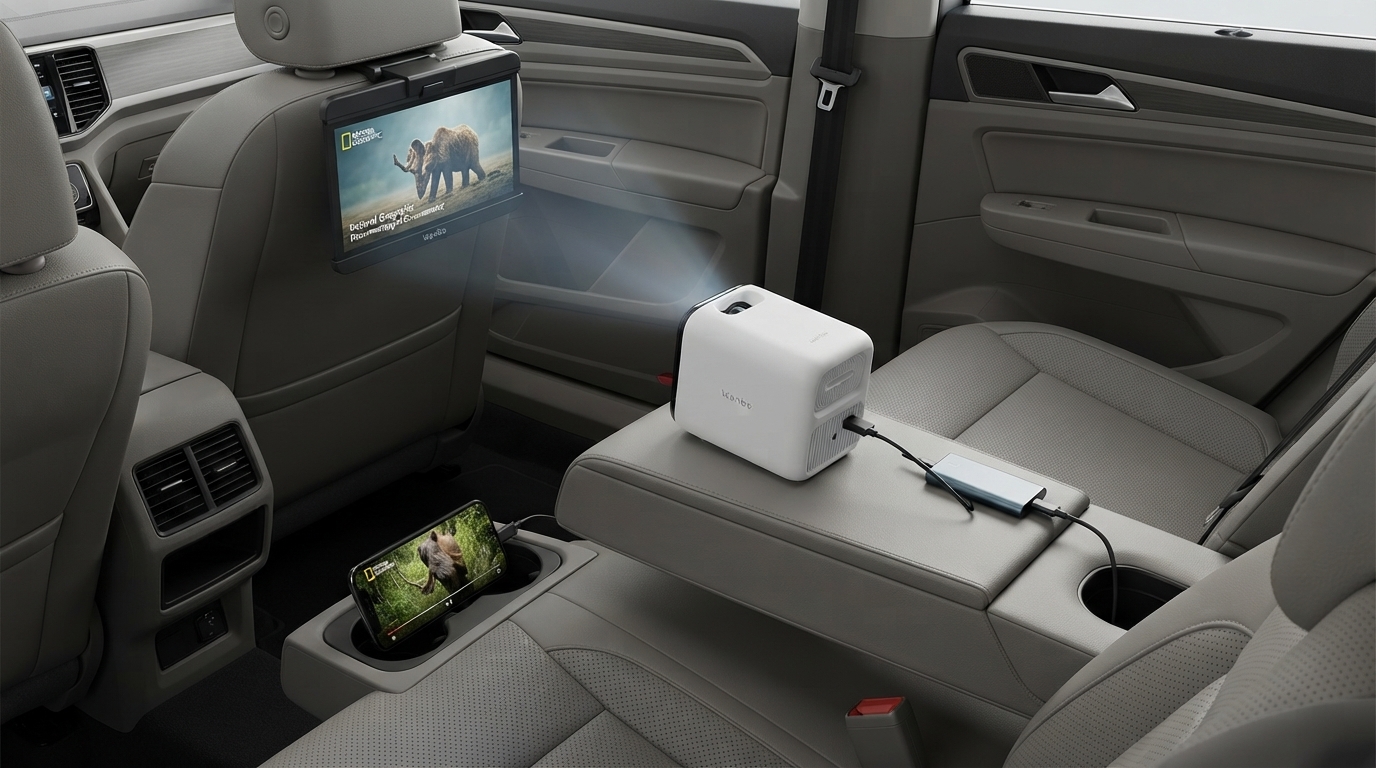
Which brand mini projector is best?
The best mini projector brand depends on how and where it will be used, but the strongest overall picks usually come from brands that consistently nail focus, brightness, and connectivity. For many shoppers, brands like Anker (Nebula) and XGIMI stand out for dependable performance and smoother everyday use, while Epson and BenQ are reliable choices when image quality matters more than pocketable size. Budget brands can still be “best” for casual viewing, but the experience is more hit-or-miss with focus accuracy, fan noise, and long-term consistency.
Top mini projector brands (and who they’re best for)
Anker Nebula: A great all-around brand for portable entertainment. Many models prioritize easy setup, stable wireless features, and solid software. This is often a safe bet for living rooms, bedrooms, and travel.
XGIMI: Frequently a top choice for sharper images and smart features, with strong auto-keystone/auto-focus systems on many models. Ideal for users who want a “TV-like” experience from a compact projector.
Epson: Known for dependable color and brightness in home and office projection. Epson projectors are often larger than true “mini” units, but the brand excels when you want a brighter image and fewer compromises.
BenQ: A good option for movie-focused viewing with accurate color on many models. Like Epson, BenQ often leans less “pocket” and more “portable,” but quality control is typically strong.
Budget/white-label brands: These can be tempting on price, especially for occasional use. Look for real-world reviews that mention focus uniformity (edge-to-edge clarity), Wi‑Fi stability, and return support.
What matters most when picking a brand
Prioritize auto-focus reliability, dual-band Wi‑Fi stability (and Wi‑Fi 6 if available), usable brightness in your typical lighting, and support/warranty. If wireless setup and focus behavior are important, the brand’s implementation can matter as much as the specs on the box.
For a practical walk-through on auto-focus behavior, dual Wi‑Fi setup, and real-life placement tips, see the full guide here: https://supremechoiceden.shop/guide-mini-projector-auto-focus-dual-wifi-6-setup-guide/.
FAQ
What should I look for in a mini projector besides brand?
Check real brightness (ANSI lumens when available), native resolution, focus consistency across the screen, and input options like HDMI. Also confirm return policy and warranty length, since support varies widely across models.













Leave a comment