USB-C Microphone Audio: USB vs XLR Setup Guide
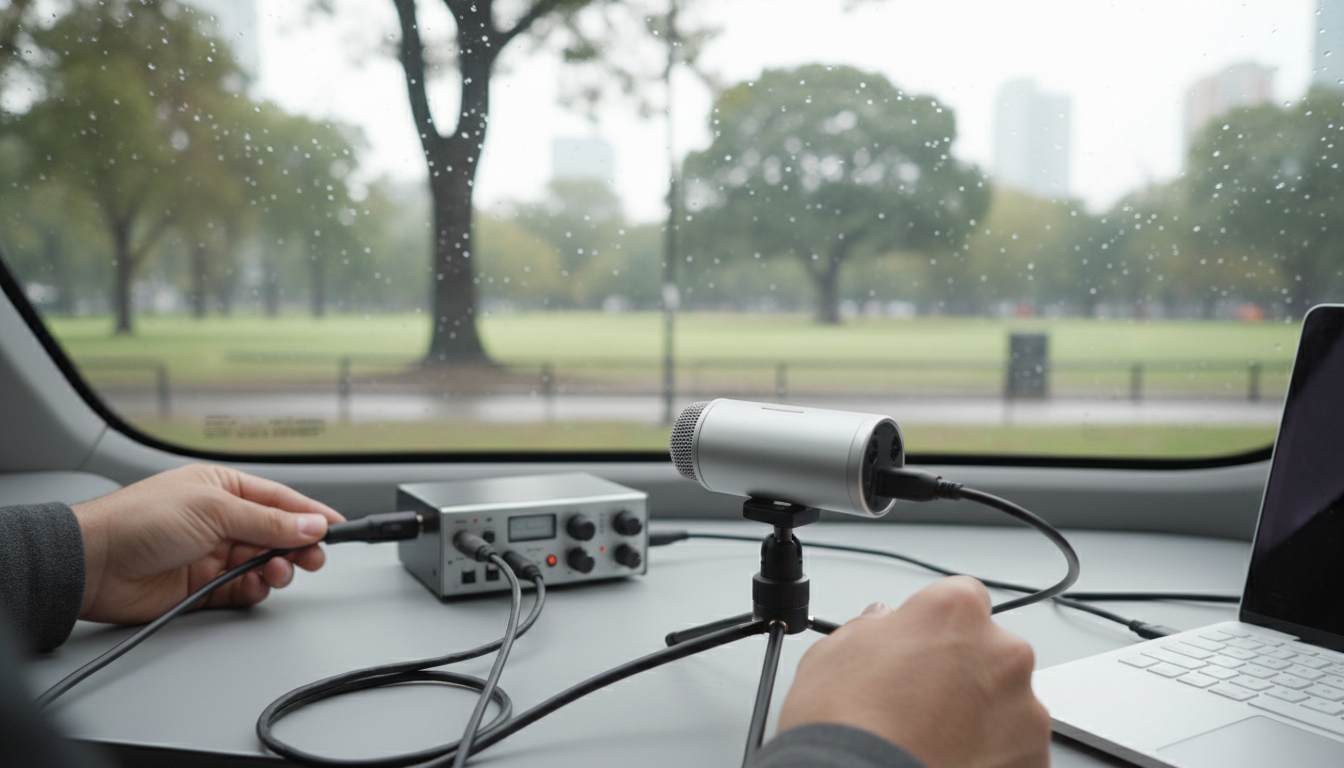
Can USB-C transmit a microphone?
Yes. USB-C can transmit microphone audio, but what matters is the device on each end and the type of mic you’re using. USB-C is a connector and a transport for data and power, so it can carry digital audio from a USB microphone (including many gaming and streaming mics) straight to a computer, phone, or tablet—assuming the host device supports USB audio.
How it works with different microphone types
USB microphones (digital)
A true USB mic already converts your voice to digital audio inside the mic. When you plug it in via USB-C (either USB-C to USB-C or with an adapter), the mic shows up as an input device, and audio travels over the USB connection. Many USB mics also draw power from the same cable.
XLR microphones (analog)
An XLR mic doesn’t send digital audio, so USB-C can’t “directly” read it. You’ll need an audio interface or an XLR-to-USB adapter that includes a preamp and analog-to-digital converter. With that middle device, the audio becomes USB data that USB-C can transmit reliably to your computer or compatible mobile device.
Compatibility details that can make or break it
Most laptops handle USB microphones easily. For phones and tablets, support varies: many devices work with class-compliant USB audio, but you may need a powered hub for power-hungry mics or interfaces. Also confirm your mic/interface supports the operating system you’re using and that the correct input is selected in your app’s audio settings.
Choosing the right setup
If you want plug-and-play convenience, a USB mic with a USB-C connection is typically the simplest path. If you want the flexibility of dynamic or studio-style XLR microphones, plan on an interface and the right cables. For a deeper walkthrough on USB-C mics, XLR options, and practical setup tips, see the full guide here: https://supremechoiceden.shop/guide-usb-c-xlr-dynamic-gaming-mic-rgb-noise-reduction/.
FAQ
Do I need an audio interface to use an XLR microphone with USB-C?
Usually, yes. An interface (or a quality XLR-to-USB adapter with a built-in preamp and converter) is required to turn the mic’s analog XLR signal into digital audio that can travel over USB-C.















Leave a comment