Increase FPV Range: Antennas, Channels & Link Setup
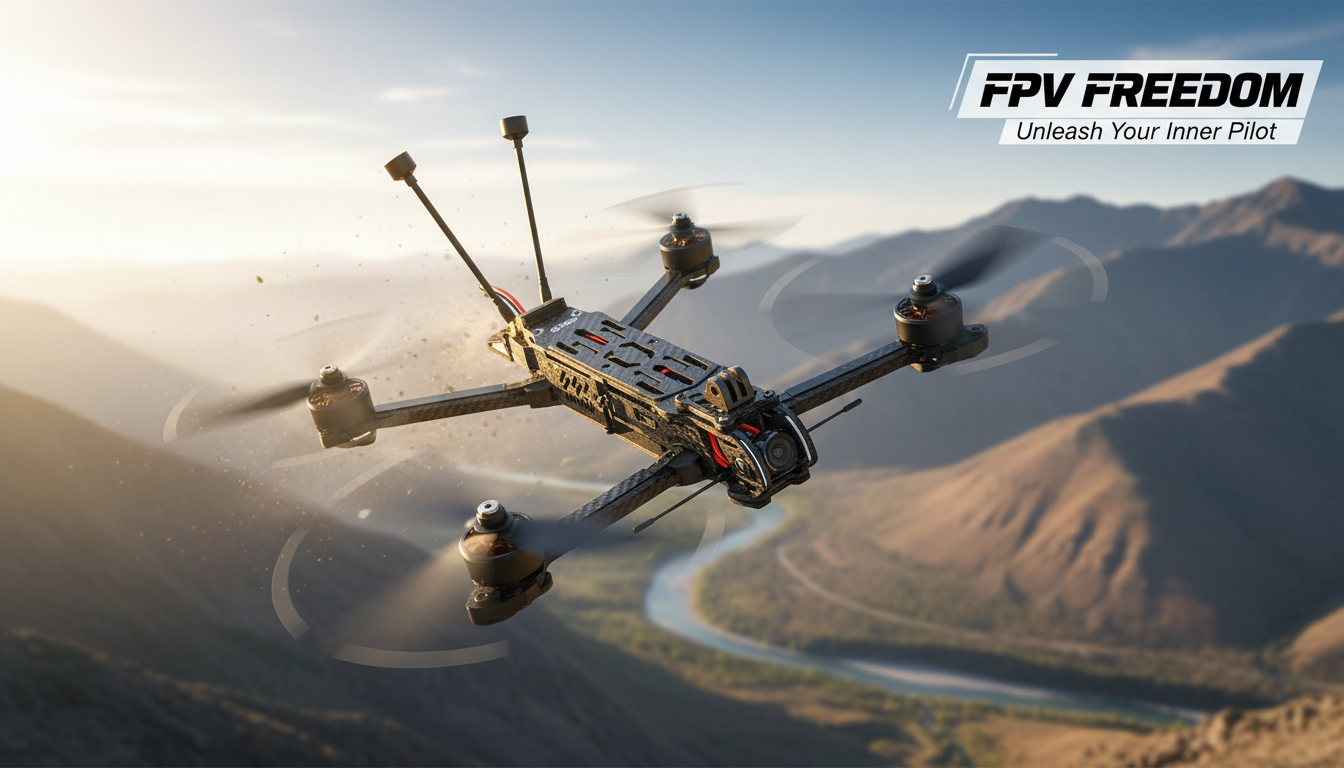
How do you increase the range of FPV?
Increasing FPV range comes down to three priorities: a cleaner signal, better antennas, and a setup that matches your flying environment. Before buying anything, confirm whether you’re losing range due to video, control link, or both—because the fixes are different.
Start with the “easy wins” that protect signal quality
Range drops fast when your antennas are blocked by carbon fiber, batteries, or your own body. Mount antennas so they have a clear view of the sky and keep the VTX antenna away from the frame and electronics noise. Also double-check every connector (SMA/RP-SMA, U.FL/IPEX) for looseness or damage; a partially connected antenna can wreck range and risk overheating your video transmitter.
Upgrade antennas before chasing higher power
A quality circular-polarized antenna on the quad and a directional antenna on your goggles/receiver often produces a bigger real-world range improvement than simply increasing VTX power. For example, pairing a solid omni (for nearby flying) with a patch or helical (for distance) lets you keep video stable farther out—so long as you keep the quad roughly in front of the directional antenna.
Choose the right channel and frequency band for your location
Interference can be more limiting than distance. Scan for a clean channel, avoid crowded frequencies, and consider whether 2.4 GHz or 900 MHz control links are more suitable for long-range flying in your area. In general, lower frequencies penetrate obstacles better, while higher frequencies can perform well with clear line of sight and good antennas.
Dial in control link settings and failsafes
Set appropriate packet rates and power levels for your radio system, and confirm proper failsafe behavior before pushing distance. Logging RSSI/LQ (or equivalent) helps identify whether you’re limited by control link quality or video breakup first.
Plan your flight path for line of sight
Even powerful systems struggle behind hills, dense trees, and buildings. Long-range FPV works best when you maintain a clean path between antennas and avoid flying directly behind yourself.
For a deeper setup walkthrough and practical range tips, see the full guide: https://supremechoiceden.shop/guide-long-range-fpv-quadcopter-bluetooth-setup-range-tips/.
FAQ
What’s the difference between improving FPV video range and radio control range?
Video range depends on your VTX, antennas, and interference on your video frequency, while control range depends on your receiver link quality and radio settings. It’s common for one link to fail before the other, so diagnose which signal drops first.














Leave a comment