Best Free 3D Home Interior Design Software (Top Picks)
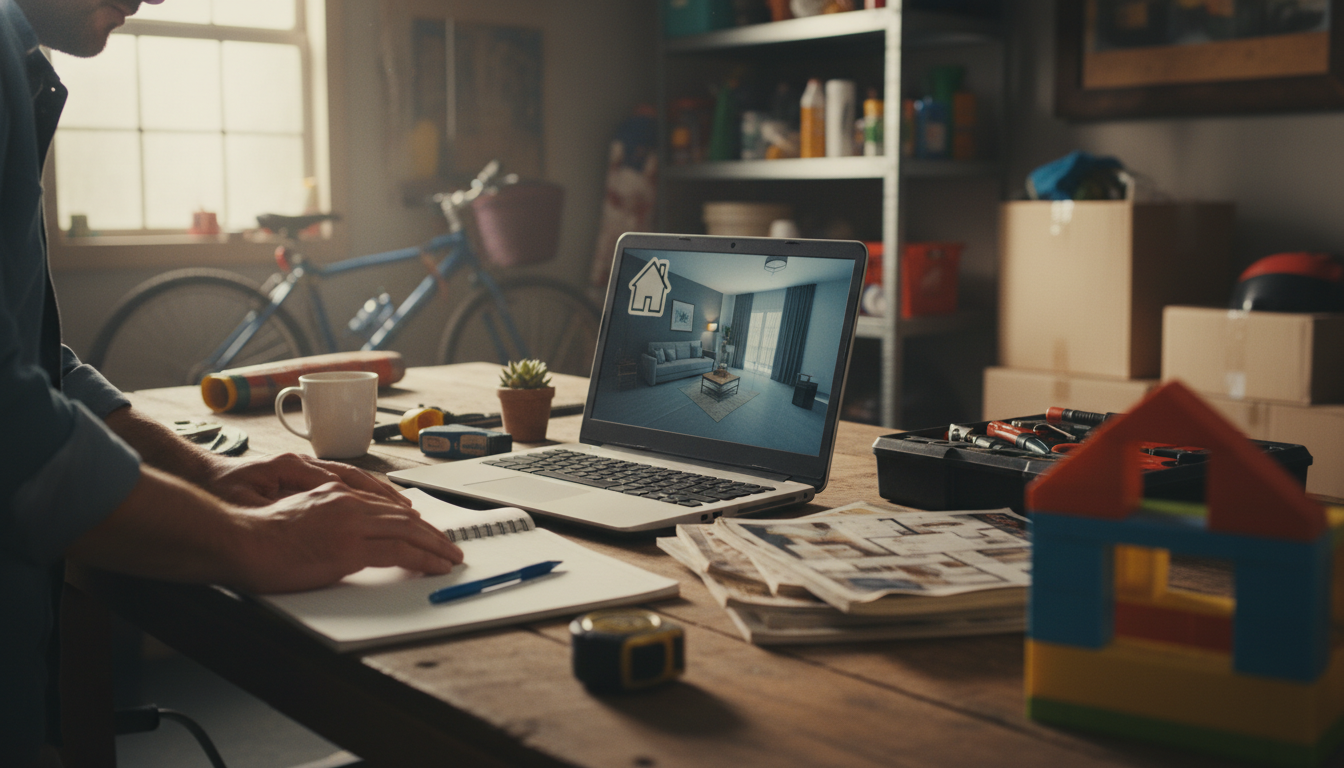
What is the free 3D design software for home interior?
Free 3D home interior design software typically includes browser-based planners and downloadable apps that let you build rooms, place furniture, and preview finishes in a realistic view without paying upfront. Popular free options include SketchUp Free (web-based modeling), Sweet Home 3D (simple floor plans with a 3D preview), and Planner 5D (easy drag-and-drop with optional paid upgrades). Many of these tools are “free to start,” meaning core planning features cost nothing, while advanced catalogs, high-end renders, or exports may be paid add-ons.
Best free options to try (and why)
SketchUp Free works well for users who want flexible 3D modeling and don’t mind a learning curve. It’s great for custom built-ins, unique layouts, and accurate dimensions.
Sweet Home 3D is a strong choice for quick room layouts. You can draw walls, drop in doors/windows, and see an immediate 3D walkthrough—ideal for practical planning and basic visualization.
Planner 5D is beginner-friendly and fast for experimenting with décor and layouts. It’s especially useful when the main goal is to explore furniture placement, colors, and overall style.
How to choose the right free 3D interior design tool
Start by matching the tool to your goal. If accurate measurements and custom shapes matter most, choose a modeling-focused option like SketchUp Free. If you mainly want to test floor plans and furniture flow, Sweet Home 3D or Planner 5D can be quicker. Also check export needs: some tools limit free downloads of high-resolution renders or detailed plans.
A simple workflow that saves time
Measure your room first, then build the shell (walls, doors, windows). Next, place large furniture to confirm spacing, and only then move to lighting, color, and décor. For a step-by-step approach to planning a cohesive space—from layout to color and finishing touches—use this guide: https://supremechoiceden.shop/guide-dream-home-design-plan-color-layout-decor-steps/.
FAQ
What should I measure before using interior design software?
Measure wall lengths, ceiling height, door and window sizes, and the distance from each opening to the nearest corner. Also note outlets, vents, and any built-ins that affect furniture placement.












Leave a comment